
Post-Processing Workflows That Respect the Data
This article contains affiliate links. If you buy through them, ORIVON may earn a commission at no extra cost to you.
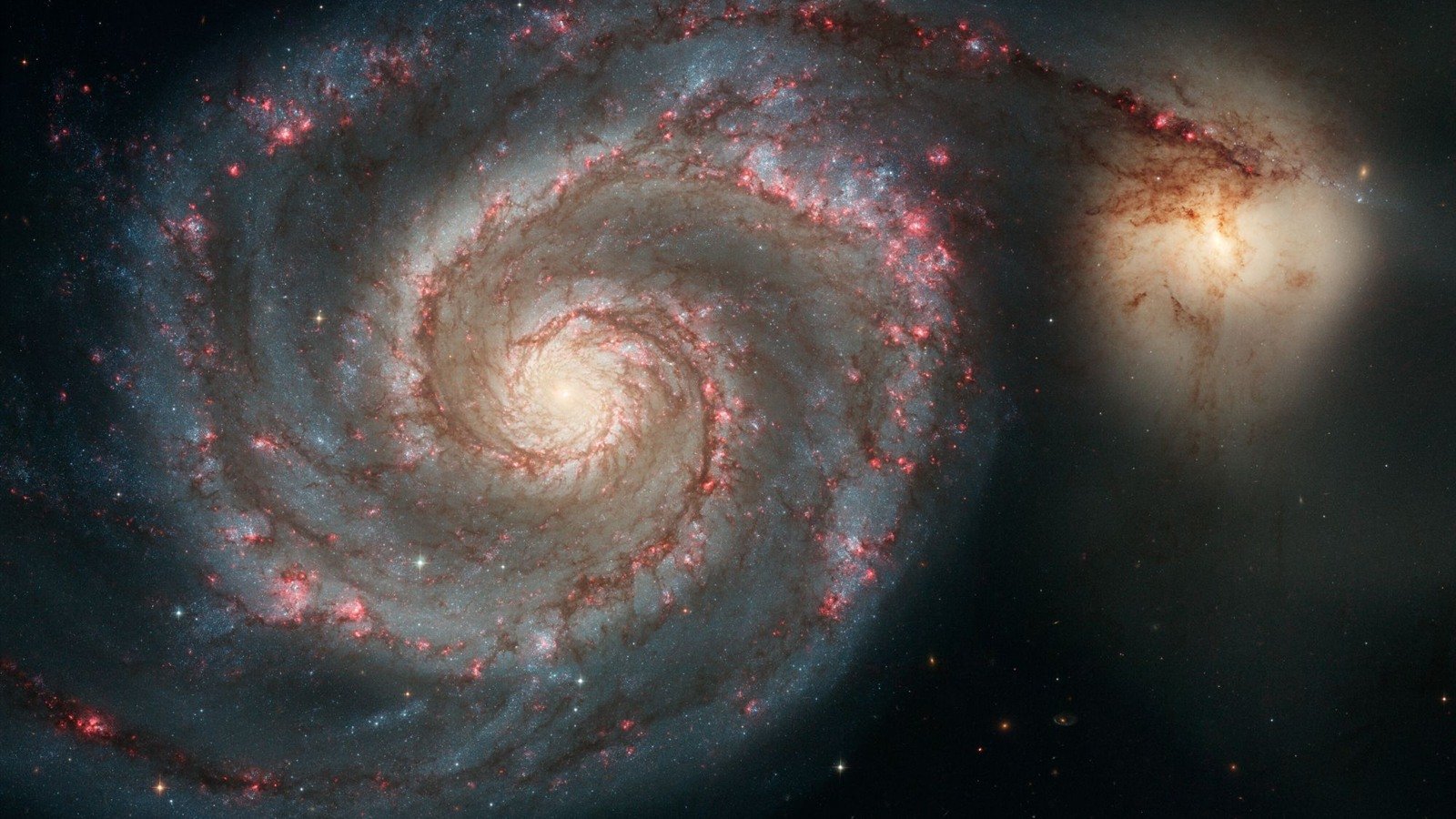
Credit: NASA, ESA, S. Beckwith (STScI), and The Hubble Heritage Team (STScI/AURA)
Processing Should Reveal Data, Not Invent It
A stacked image straight off a calibration run looks disappointing — flat, dark, and mostly black. That's normal: the actual signal is compressed into a narrow slice of the image's dynamic range, and processing exists to stretch that signal out into something visible. The philosophy worth internalizing early is that good processing reveals detail that's genuinely present in the data; it doesn't invent detail that isn't there. Every aggressive slider push is a trade-off between a more dramatic-looking image and a more honest one.
Stretch Progressively, Not All at Once
A "stretch" remaps the narrow range of actual pixel values in a linear stacked image across the full range a screen can display, making faint signal visible. Pulling one aggressive stretch in a single step tends to blow out bright cores and crush faint detail into noise simultaneously. A progressive approach — several smaller, deliberate stretches, each followed by an assessment of what's now visible — gives far more control, and is the standard workflow in tools built for astro processing, like PixInsight's histogram transformation or Siril's asinh/generalized hyperbolic stretch.
Avoid Clipping in Both Directions
Clipping happens when pixel values get pushed to pure black or pure white, permanently discarding whatever detail was there — it's the one mistake that's genuinely unrecoverable later in a workflow, unlike most other adjustments. Watching a histogram while stretching, rather than judging by eye alone, is the most reliable way to catch clipping before it happens. A small amount of black-point clipping in truly empty background sky is normal and often desirable; clipping inside the target itself usually isn't.
Know When to Stop
Noise reduction, sharpening and saturation all have a point of diminishing, then negative, returns — past a certain point, each of these starts introducing artifacts (smeared detail, ringing around stars, unnatural color) rather than improving the image. A useful habit: after any adjustment, zoom back out to full view before deciding whether it helped. Edits that look impressive at 100% zoom often look overdone at the size the image will actually be viewed.
Tools Built for This
General photo editors can technically open astro data, but they aren't built around it. PixInsight is the deepest, most technical option, purpose-built for astrophotography with tools like dynamic background extraction and specialized noise reduction. Topaz's AI-based denoise and sharpening tools have become a popular complement for cleaning up final images without the PixInsight learning curve. Our post-processing software guide breaks down the full landscape by budget and commitment level, from free stacking tools through the paid options mentioned here.
Frequently Asked Questions
No — tools like Topaz's denoise models are widely used across the hobby. The line worth drawing is between tools that clean up noise in data you actually captured versus generating detail that was never in the original signal.
Capture software often applies an automatic stretch for live-view purposes that isn't actually saved in the data. A stacked master file typically needs deliberate processing to reach that same visual brightness.